EraseBG
Starting

Free AI Background Remover

Remove the background from any image instantly, right in your browser. Fully automatic, free, no upload, no signup, no watermark.
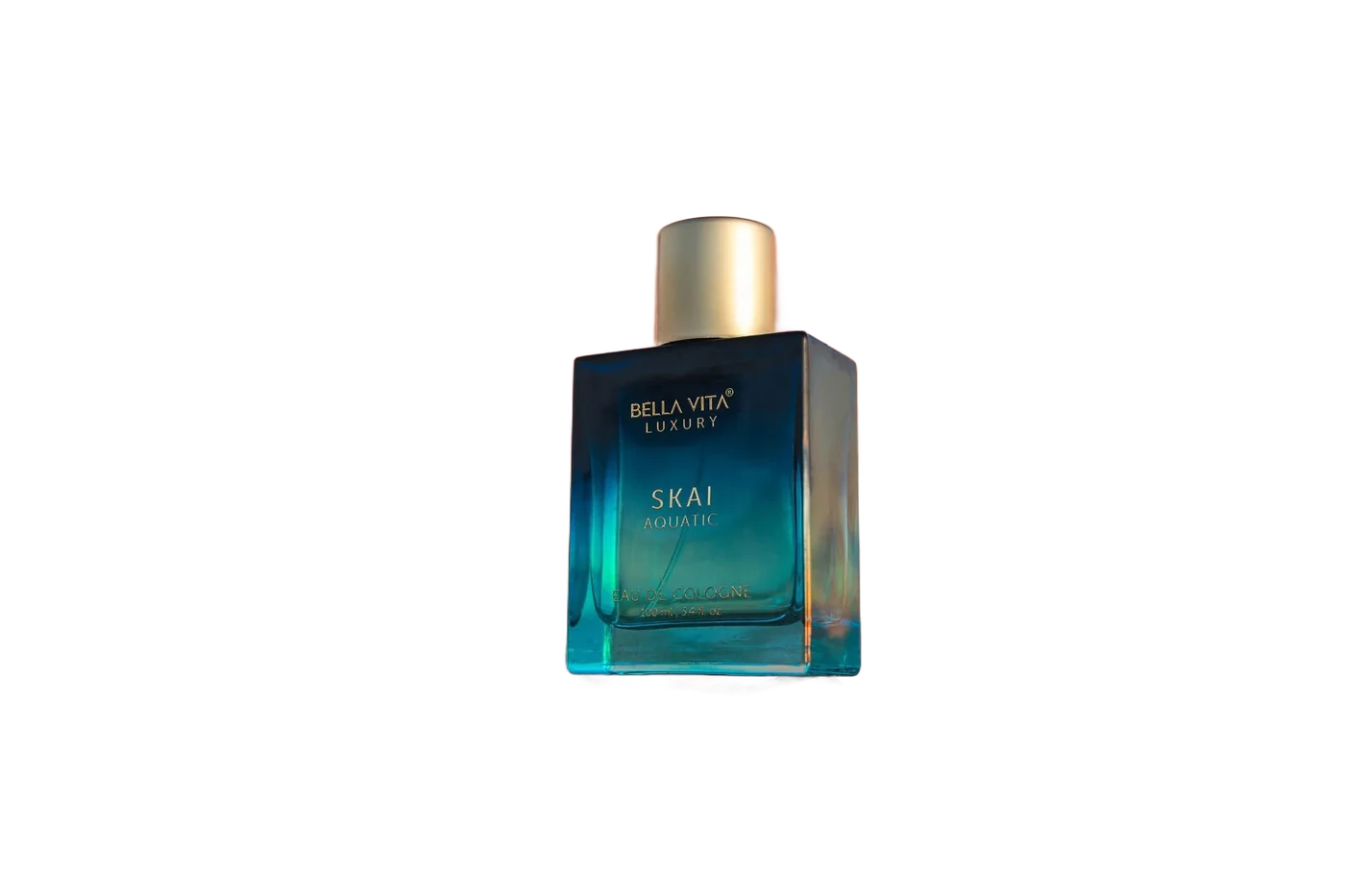
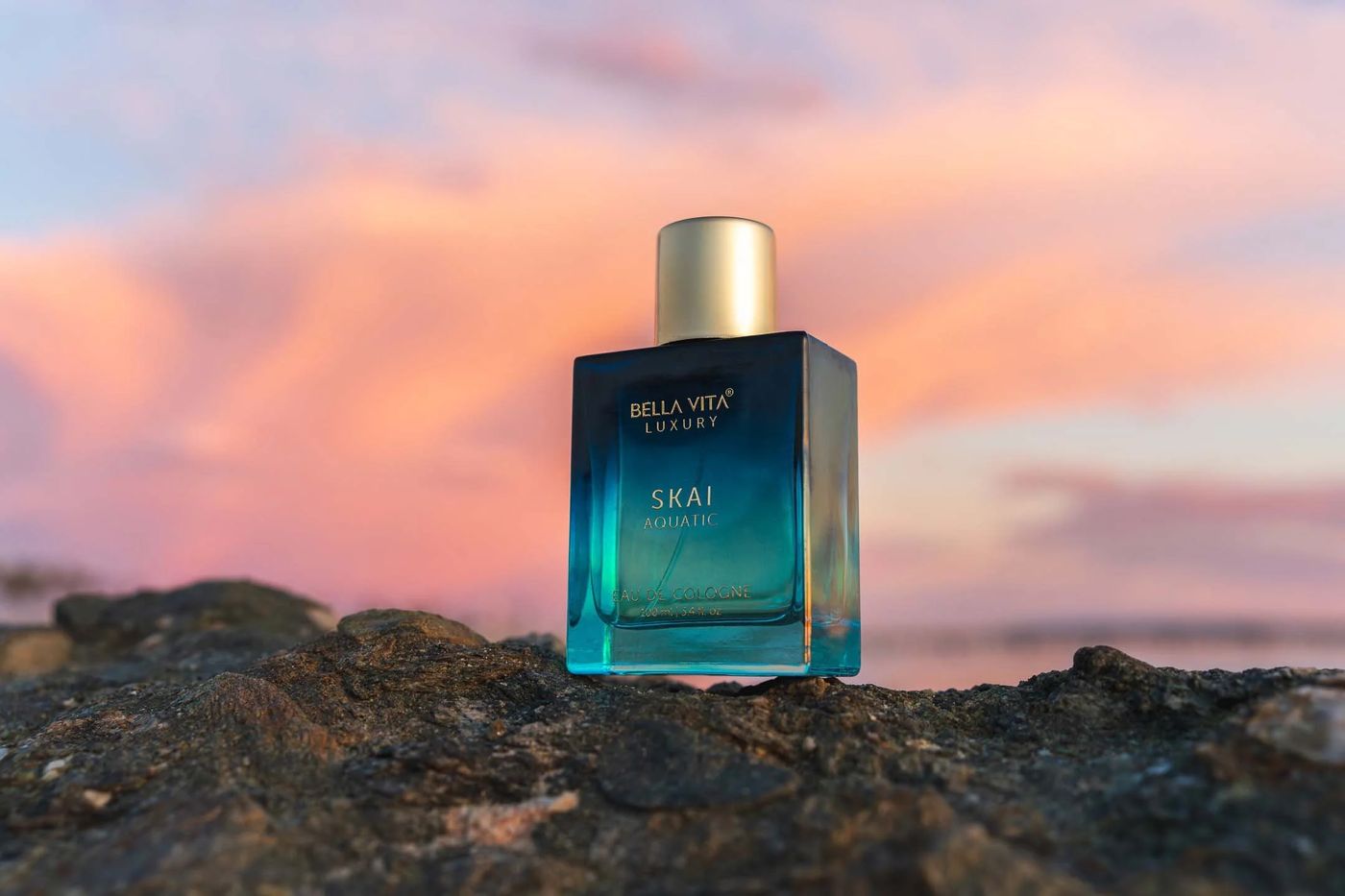
The same perfume bottle after background removal, on a solid colour background Original photo of a perfume bottle on rocks at sunset, before background removal Before After

Straight from the model, no touch-up. Drag to compare; the background cycles through fills.

Drop images here, paste, or tap to choose

JPG, PNG, WebP, HEIC. Several at once is fine.

Runs on your device. Exports at full resolution.

Try one
Removing background
Drop to add

Settings

Model

Compute

Auto uses the GPU when the browser supports WebGPU and falls back to the CPU.

Appearance

The model downloads once and is cached by your browser. Your images never leave this device.

Remove backgrounds without uploading your photo

EraseBG runs the segmentation model inside your browser, on your own GPU or CPU. There is no server, no account, no credits and no watermark. Export at the original resolution, as many images as you like.

How in-browser background removal works

01

Drop images

Drag, paste or pick one or many files. They are decoded into memory in this tab and nowhere else.

02

The model predicts a mask

A segmentation model runs on your GPU, or on the CPU when WebGPU isn't available, and outputs a soft per-pixel alpha.

03

Touch up and export

Fix stray edges with the erase and restore brushes, choose a background, then download a full resolution PNG, WebP or JPG.

Free background remover questions

Is it really free?

Yes, including full resolution downloads. Your own hardware does the work, so there is nothing to meter or upsell.

Where do my photos go?

Nowhere. They are decoded into memory, processed, and gone when you close the tab. You can check the network panel: no image bytes leave the page.

Why is the first run slow?

The model is downloaded once (44 MB to 219 MB depending on the setting) and cached. Later visits start immediately, even offline.

Which browsers work best?

Chrome, Edge, Safari 26 and current Firefox all have WebGPU and are fastest. Other browsers run on the CPU and take a few seconds per image.

Does it work on iPhone and iPad?

Yes. Safari on iOS 26 uses the GPU. Large photos are processed at a reduced working size to stay within memory, then exported at full resolution.

Is this a remove.bg alternative?

Yes. remove.bg closes on 1 December 2026. EraseBG does the same job without uploads, credits or an account, and exports at full resolution. See the comparison.

How big can an image be?

Anything your browser can decode. Exports above about 16 megapixels are scaled to that limit on Safari, which caps canvas sizes.