Background removal examples
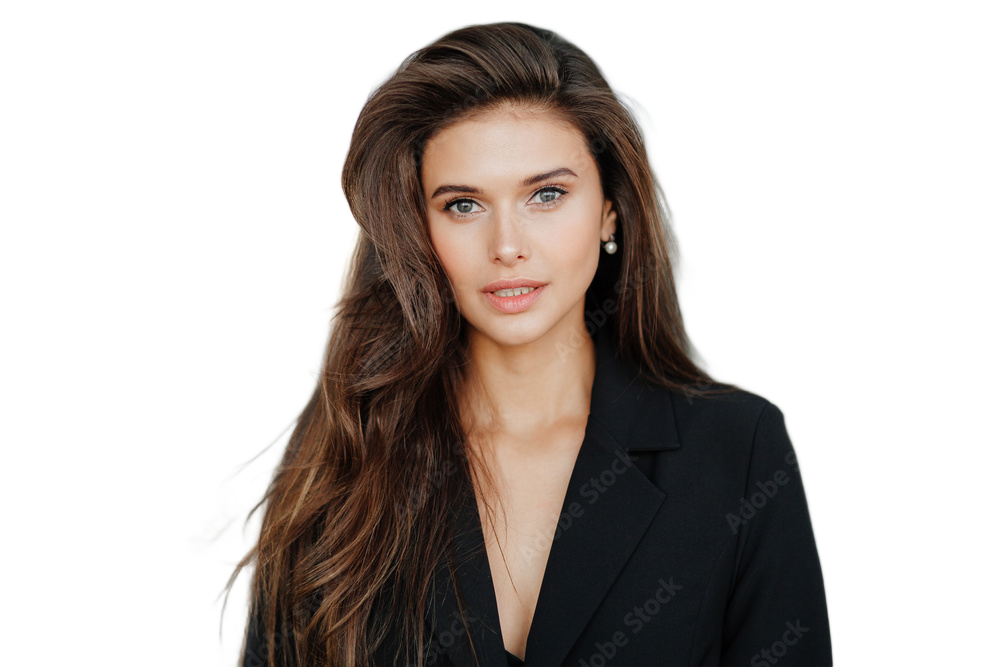
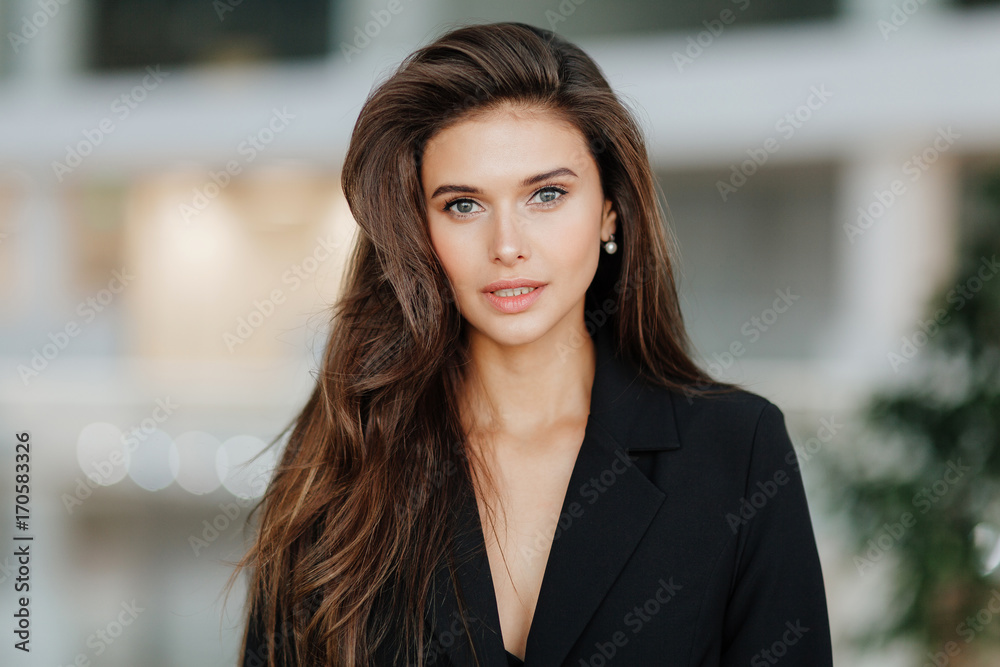
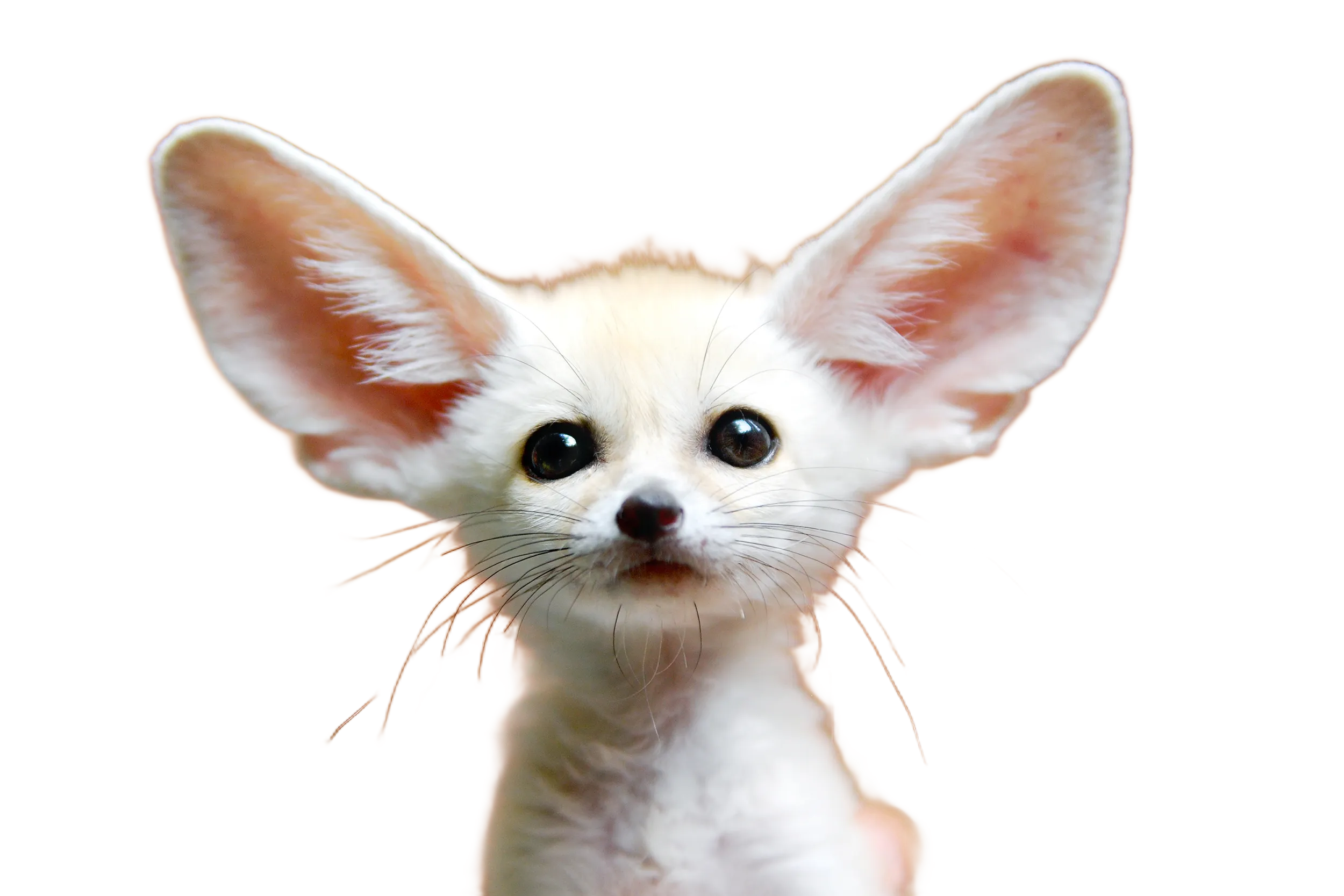
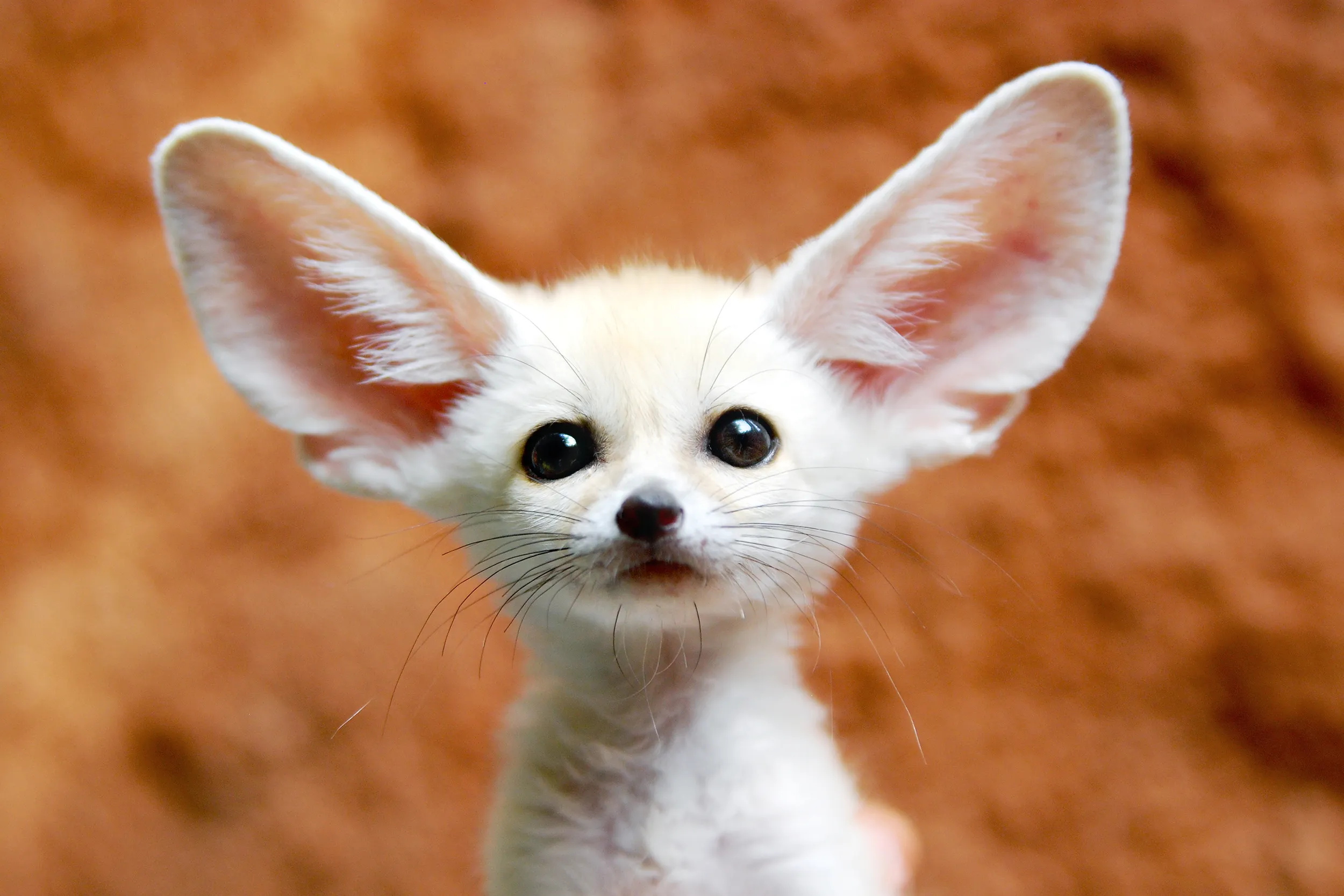
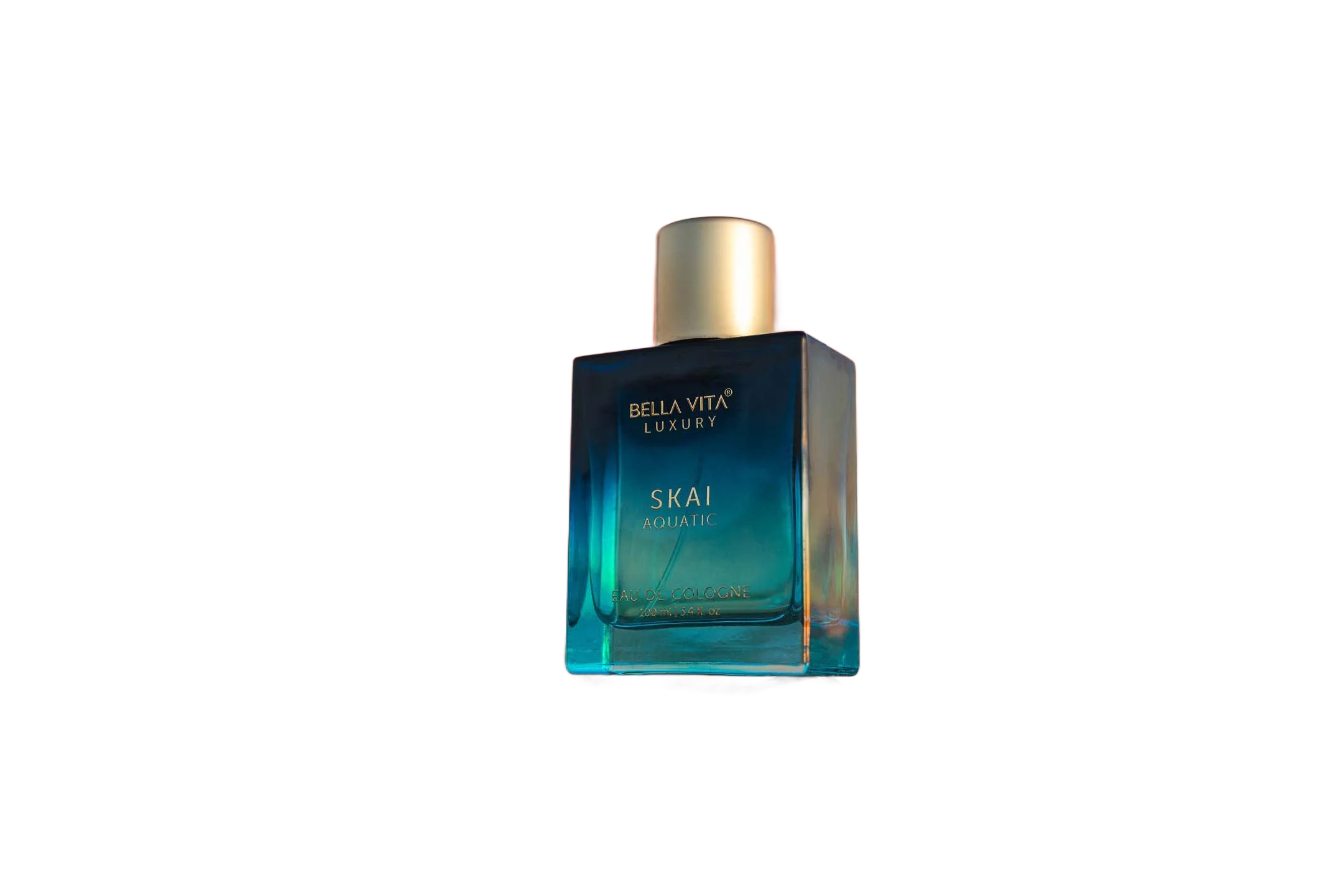
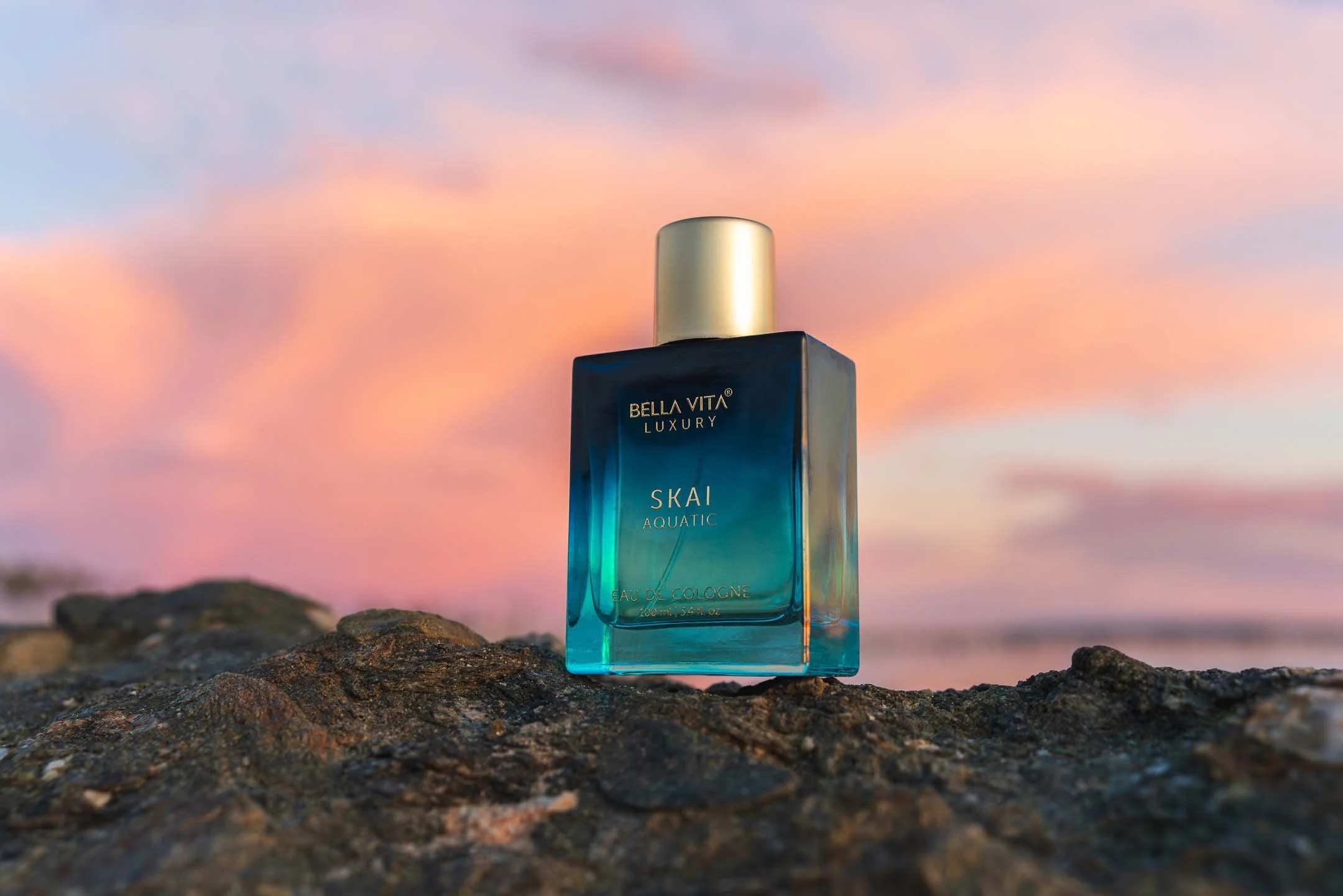
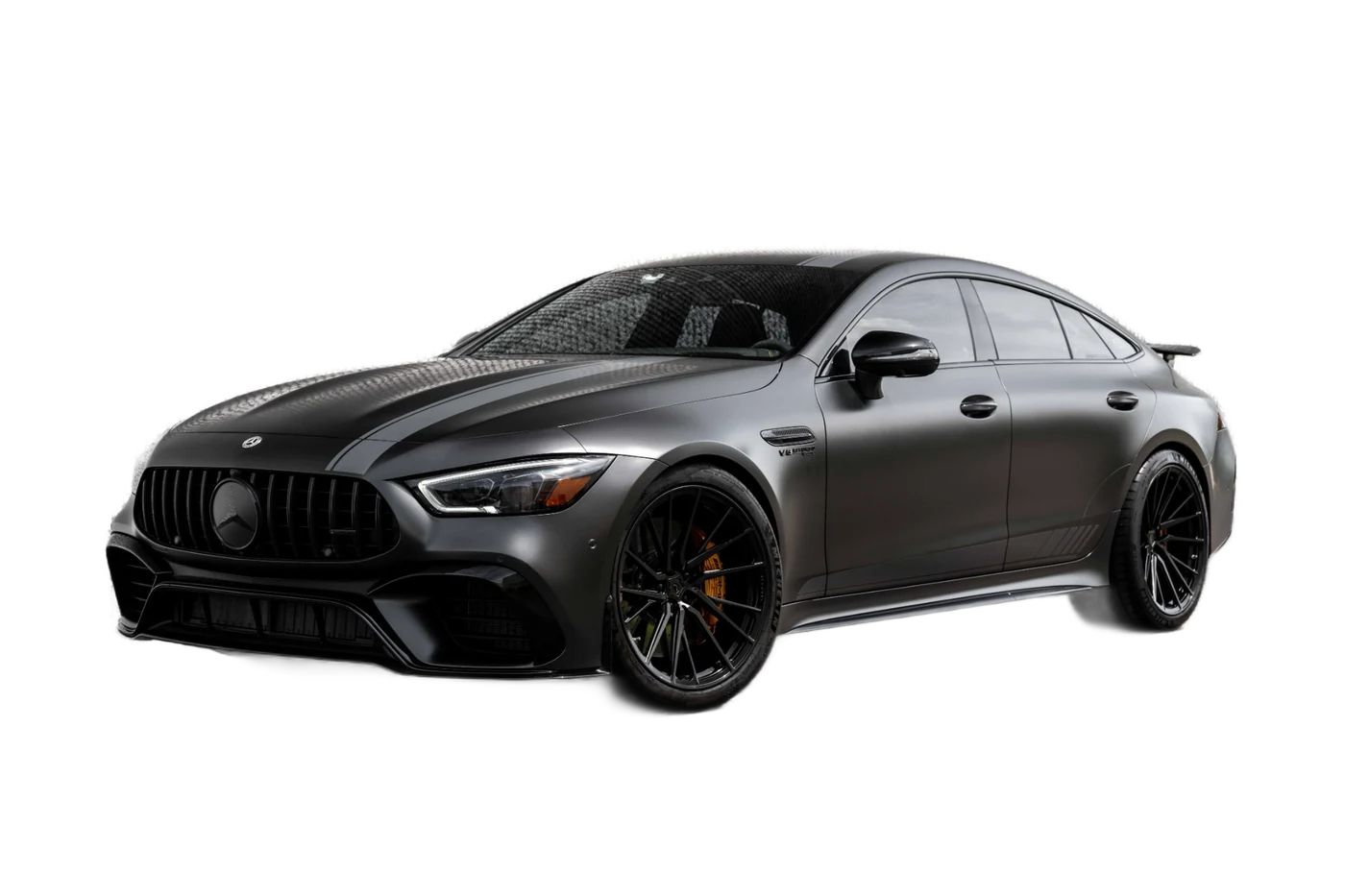
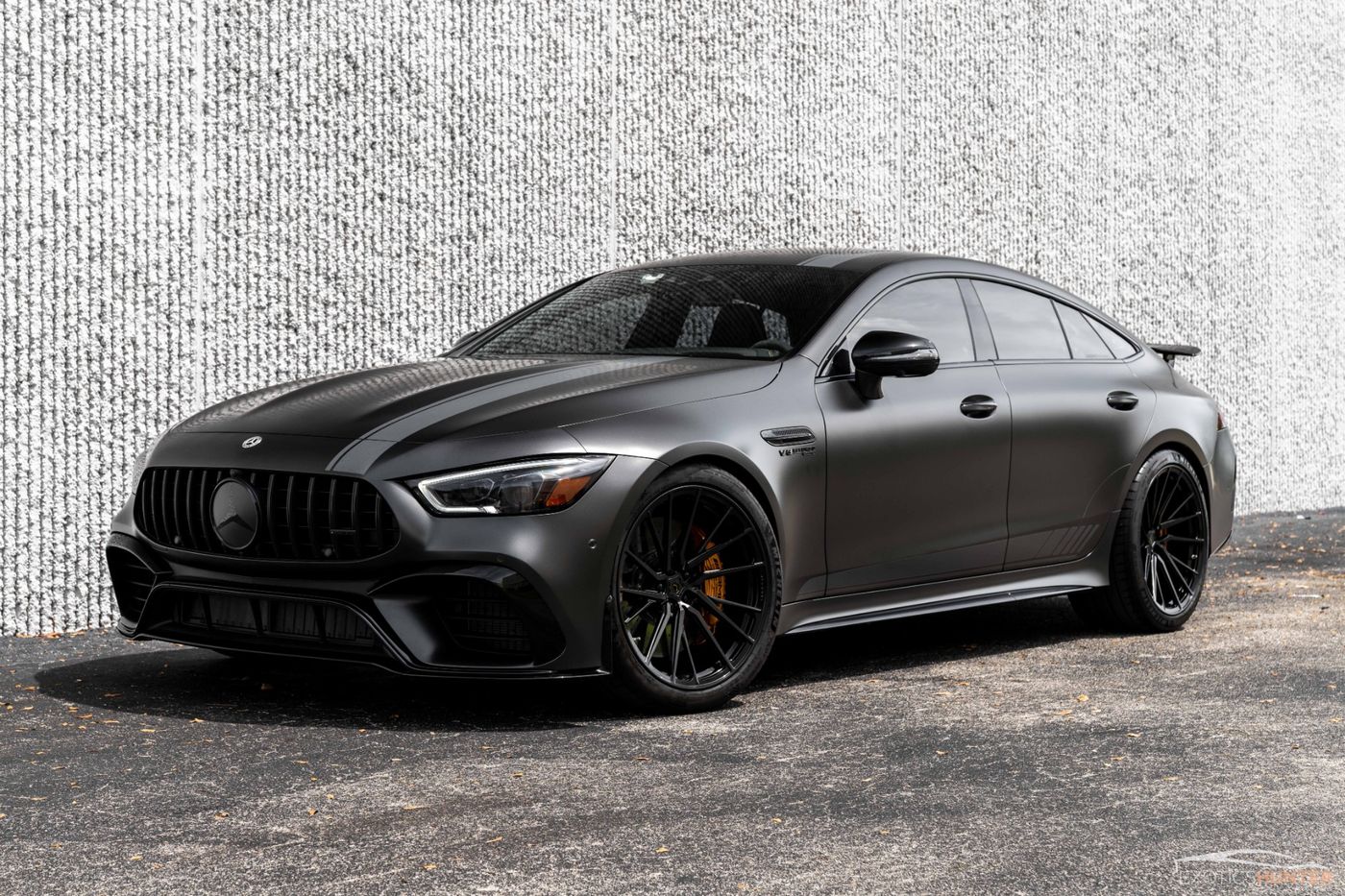
Six images that cover the cases background removers usually get wrong: loose hair, fur, glass, shadows, hard geometric edges and fabric. Every result below came straight out of the model with no brush work. Drag the handle on each card to compare.
Before and after
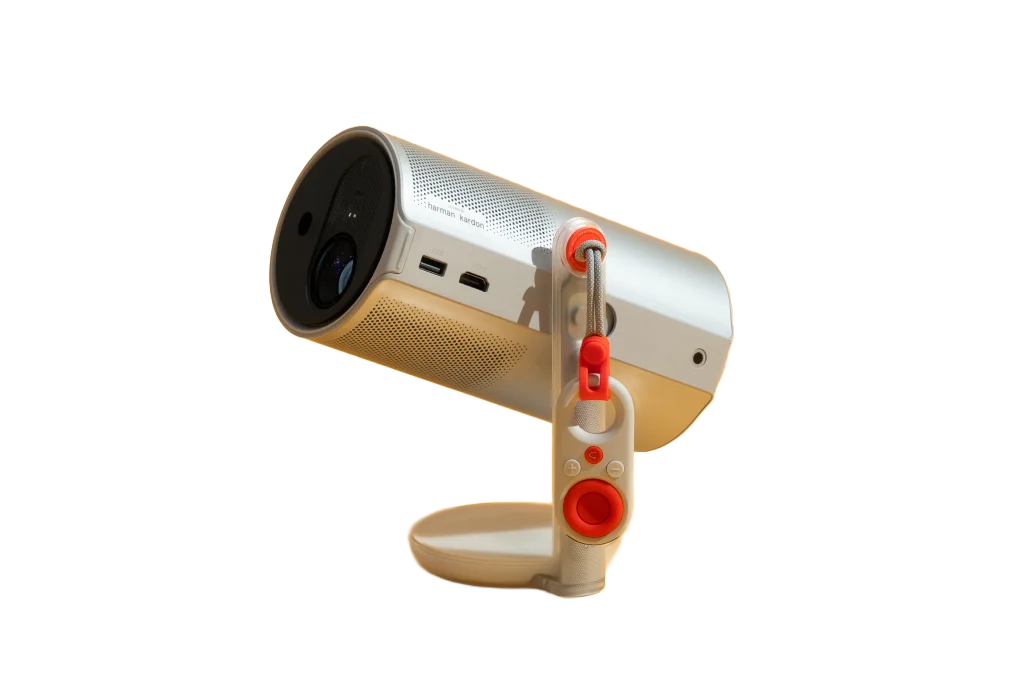
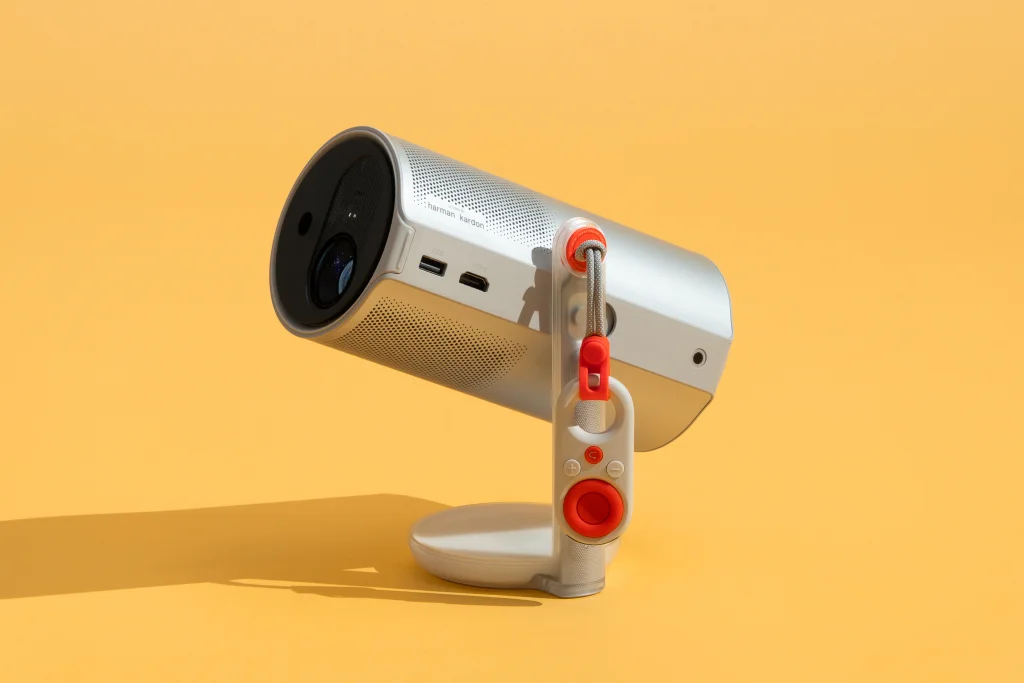


What to look for
Hair and fur
Zoom into the portrait and the fox. Individual strands should keep partial transparency rather than turning into a solid halo or disappearing.
Shadows
The bottle and the projector both cast shadows. The model treats them as background, which is what you want for a clean cut-out on a new fill.
Glass and reflections
Reflections on the bottle and the car windows stay with the subject. Fully transparent glass will always be a judgement call; the Restore brush is there for it.
Questions
Which model made these?
The Quality setting. Fast gives very similar results on portraits and products and is the default on phones.
Why is the after image smaller?
These are compressed previews so the page loads quickly. In the app, downloads keep the original pixel count.
Can I send you a hard image?
Open an issue on GitHub with the picture attached. Difficult cases help decide what to improve next.
Where do these files come from?
Stock and product photos used for demonstration. They are not part of the licence of the code.